
Assign a Company Role to a User
In the administration area you will find the "User Management" section. There, company roles can be assigned to a user.
Assign a company role to a user:
- Click on "Administration".
- Go to "Company Roles".
- Switch to the Section "User Management"
- Select a user.
- Select one or more roles and click on "Save".
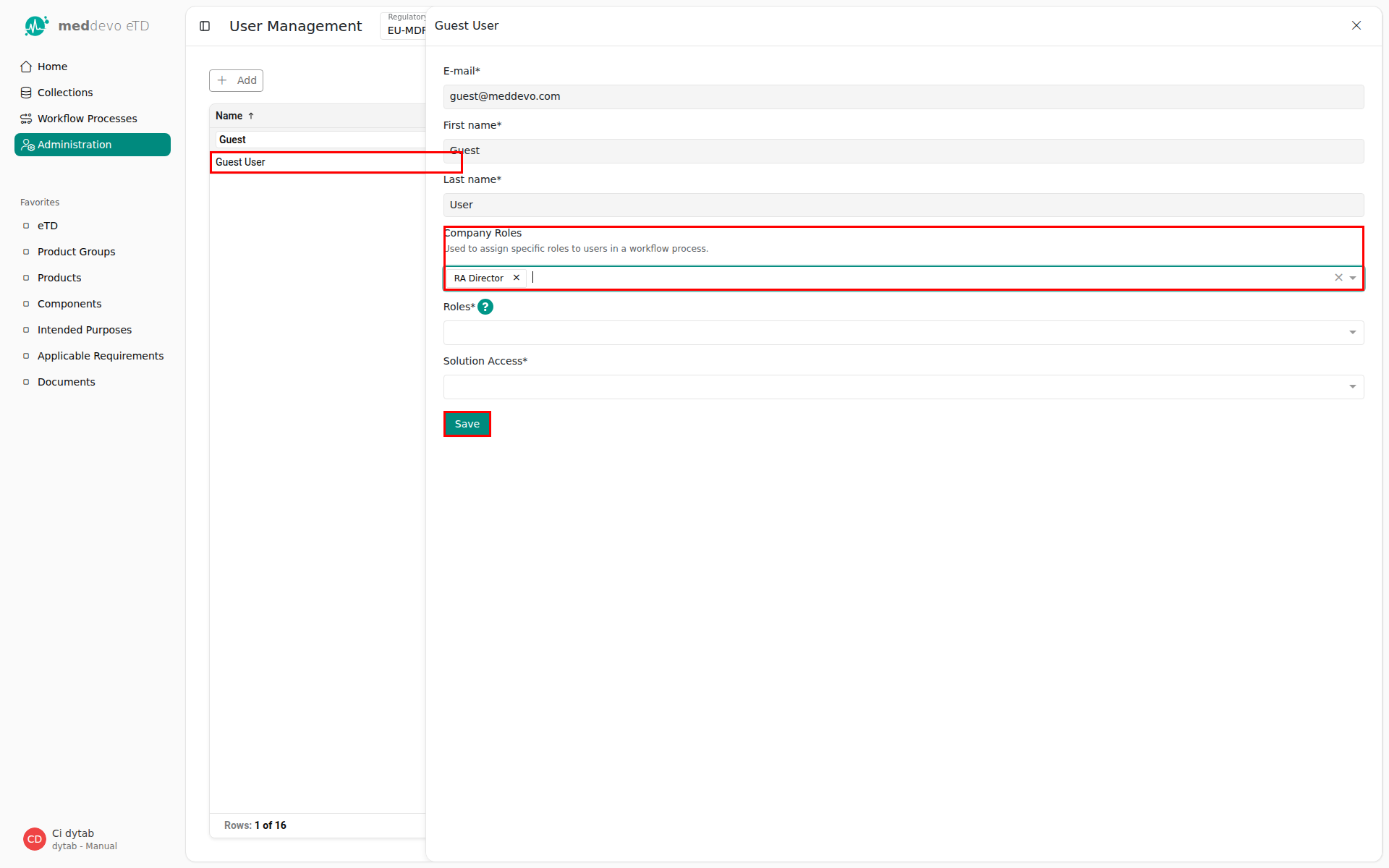
The selected user is now updated and has the assigned roles.
Last updated: 3/30/26, 12:05 PM