
User Profile
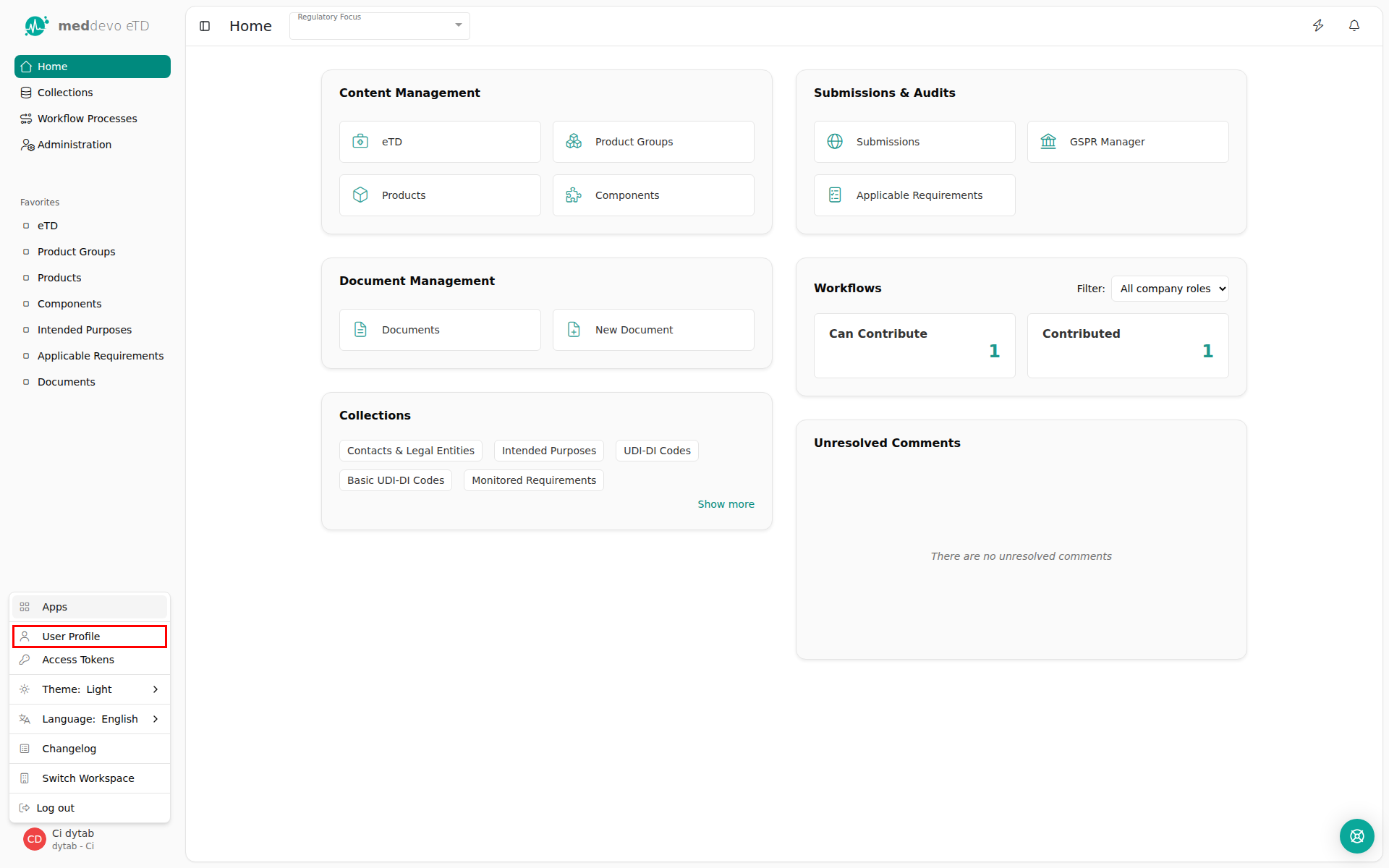
In the lower left corner, you will find the button for accessing the menu of the user. Here, the user can
- Log out
- switch the app (e. g. eTD to eIFU) or the Workspace
- set language and theme (dark/light mode)
- access the Changelog, Access Tokens and User Profile
User Profile
The user settings only refer to the profile of the logged in user. The settings have no effect on other users.
- Personal Information of the user:
- Full Name: Here you can edit your name
- Email address: Your Mail ID cannot be change.
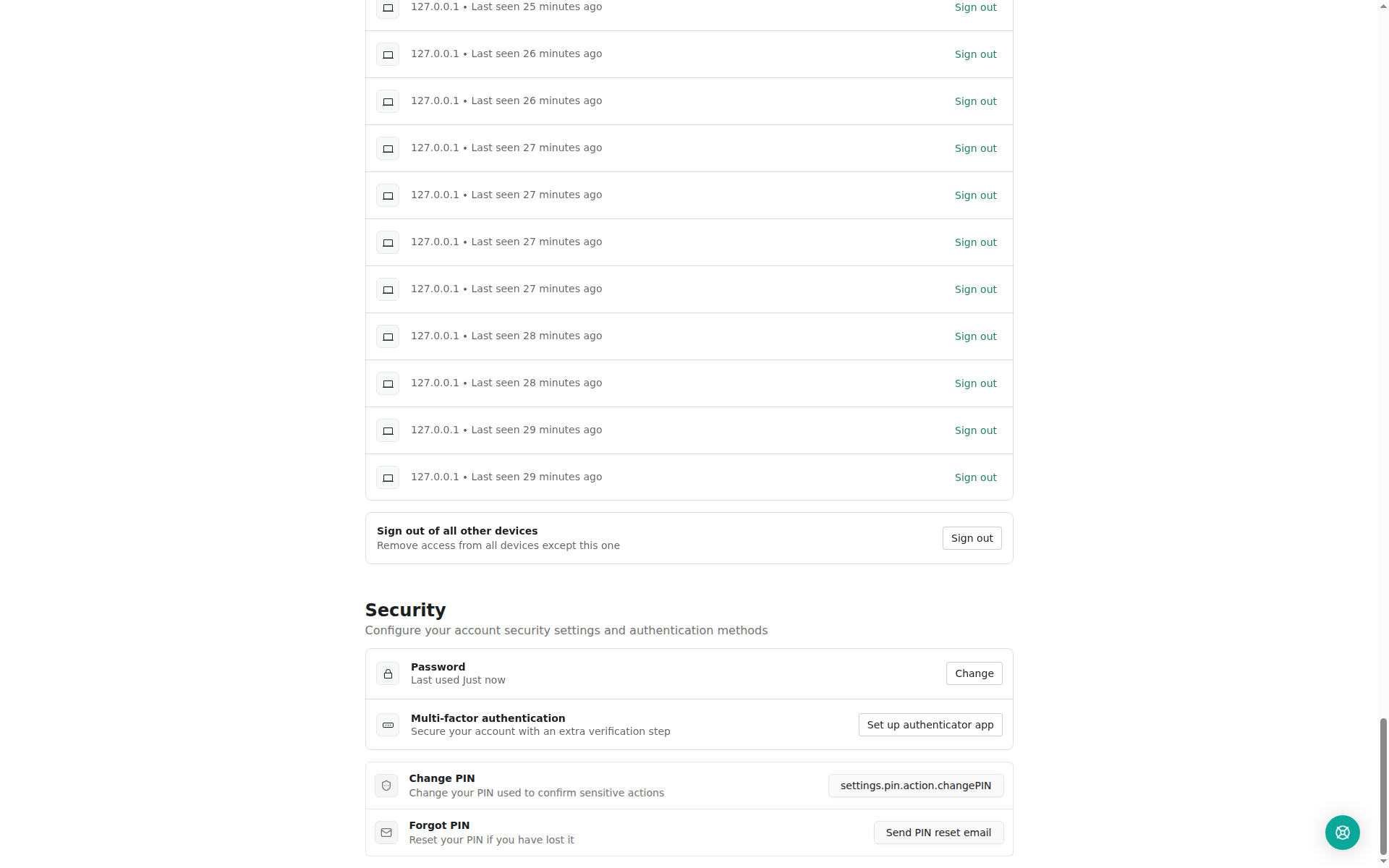
- Sessions: View and manage your active sessions across different devices
- Security:
- Change Password
- Multi-Factor Authentication: Enable authentication by SMS if needed.
- Set or change PIN: Set personal security PIN. The security PIN is required, for example, to change the workflow status, to perform a bulk change or to generate documents.
- Forgot PIN: Reset your PIN if you have lost it
Last updated: 7/3/26, 5:05 AM